
How to prebook now
Prebook Melbourne Airport parking in four steps
Park close to your terminal, booked before you leave home. Prebooking onsite airport parking at Melbourne Airport uses a short online flow with QR code entry at the gates.
You will finish with a scannable confirmation that covers entry and exit for parking Melbourne Airport trips, including melburne airport parking searches that land here.
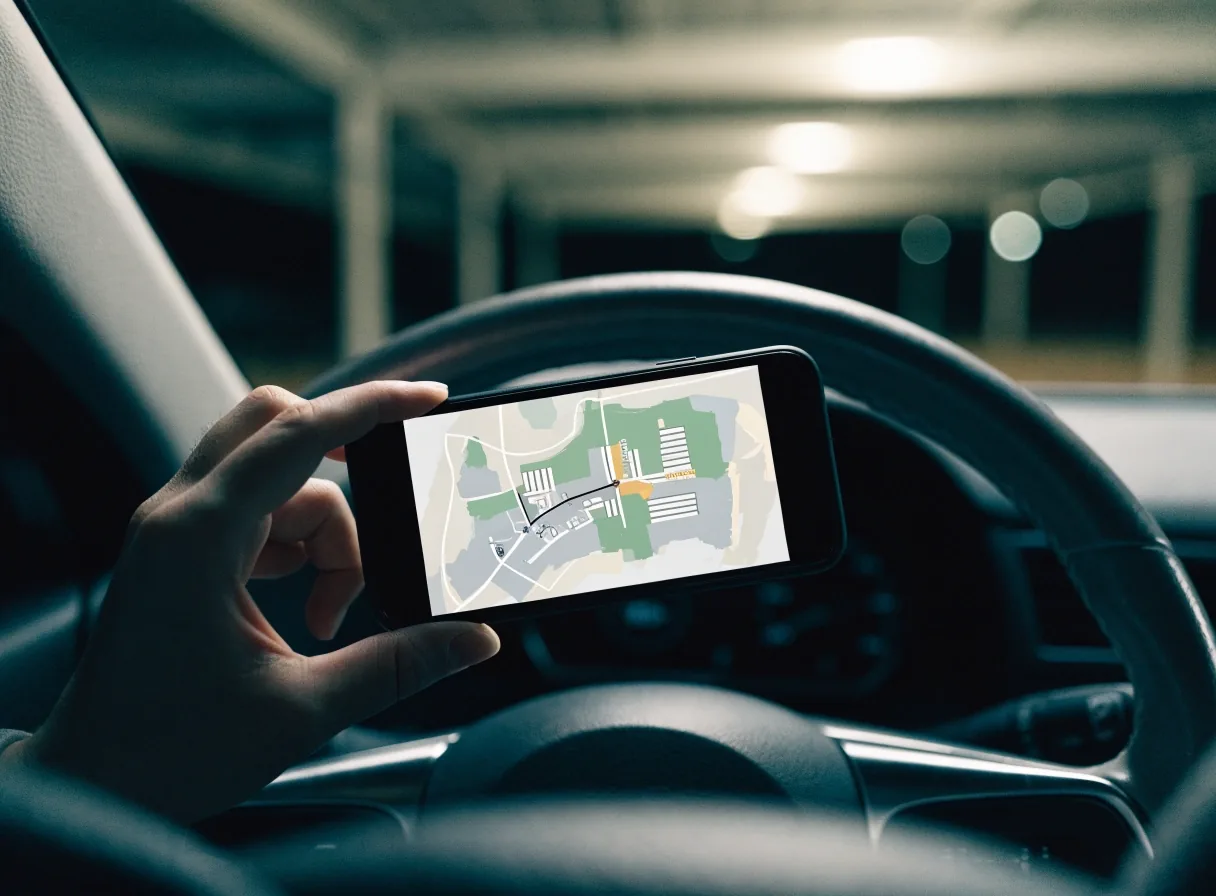
Before you drive
Dates, terminal, plate and email. That is the whole checklist.
Before you start: what you need
Have your terminal — T1, T2, T3 or T4 — travel dates covering arrival to exit, number plate, and email for the confirmation. Check whether you fly Virgin Australia from T3 in the T123 cluster, or Jetstar, Rex or Link from T4. That choice decides T123 versus T4 parking.
This guide at melbournaairportparking.com follows the official airport parking flow without implying airport operation. If two cars travel together, book each plate separately so each gate scan matches.
The four steps in the app and online flow
The airport provides app-based booking and management guidance. Online browser booking follows the same steps as the Melbourne Airport Parking app.
- 1
Enter dates and times
Add buffer for delays. Overnight trips that cross midnight need the exit date set as the day you drive out.
- 2
Select T123 or T4
Filter products by terminal cluster so close-in and value options match your walk or shuttle.
- 3
Choose parking and extras
Pick terminal, Premium or value, then add extras such as the Overstay Guarantee if offered.
- 4
Pay and check your inbox
Confirm terminal cluster, dates, plate and email spelling before you close the tab.
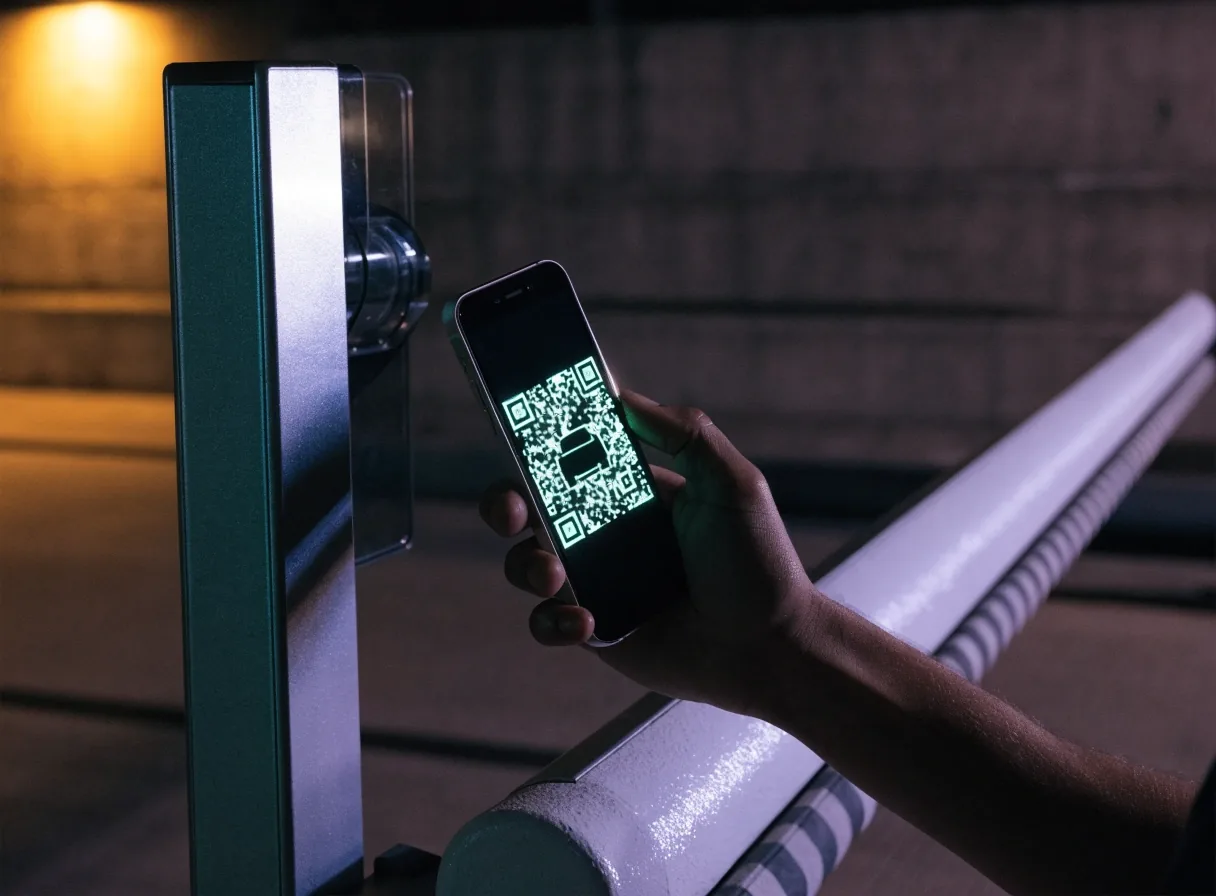
Your bay is tied to the terminal you picked in step two. Follow T123, T4 or Value signs as booked.
Your QR code at entry and exit
The booking confirmation includes a QR code for gate access. Hold it flat under the scanner with brightness high, and save it offline before you leave home.
Plate recognition may assist, but the QR code remains your entry proof. If scanning fails, press help and quote booking name and plate. Do not delete the email until you have exited the car park after your trip.
Save
Screenshot the code and share it with the driver travelling.
Scan
Flat phone, full brightness, steady hand at the post.
Keep
Keep the email to exit, then to query any stay difference.
Booking window: 12 months to 2 hours
Official app guidance says bookings are allowed up to 12 months in advance. Parking cannot be prebooked less than 2 hours in advance.
Book holidays early for close-in choice. For urgent travel inside two hours, use drive-up rates and follow signs for your terminal cluster.
At the gate
If the reader misses once, straighten the phone and try again before pressing help.
Flexibility extra
Overstay Guarantee as a flexibility extra
App guidance mentions an Overstay Guarantee as an optional extra. It appears during the booking flow alongside the main selection steps.
Add it when you connect from regional flights, travel in storm season, or cannot shift your pickup. Skip it when your dates already include a wide buffer and your return is simple.

After you pay: check, save, drive
Check Airport Drive directions for your car park so you enter the right lanes at Tullamarine. If plans change, use the management link in your confirmation before you travel — do not create a duplicate booking for the same plate and overlapping times.
Review terminal directionsAsk a booking question
Talk to us before you book
Melbourne Airport Parking Prebook, 2 Grants Road, Tullamarine VIC 3043, Australia. Open 24 hours, 7 days.
- +61 3 9300 7095
- [email protected]
- Open 24 hours, 7 days
Booking help
Send your dates and terminal
We reply with which cluster to pick and what to check in your confirmation.